OPEN SOURCE · CROSS PLATFORM · AI FIRST
Your AI Copilot for Every Terminal Task
NovarTerm puts AI at the center of terminal work: ask, explain, run commands, and manage remote/local operations in one place.
Current Constraint: Platform validation is currently macOS-first; Windows/Linux verification is still in progress.
Roadmap and Status
Status legend: ✅ Available · ⚠️ In progress / partial · ❌ Planned
| Category | Description | Status |
|---|---|---|
| AI | Command + K quickly opens/closes AI Command Bar, with continuous conversation in the same workspace. |
✅ |
| AI | Shell right-click Explain with AI automatically sends context-aware prompts from terminal content. |
✅ |
| AI | Action modes Explain, Run, and Insert are available in one unified AI workflow. |
✅ |
| AI | Users add their own AI platforms and API Keys in Settings; no built-in default model is provided. | ✅ |
| AI | AI Command Bar supports quickly switching among configured models. | ✅ |
| AI | Terminal inline assistant can quickly generate commands when input starts with >. |
✅ |
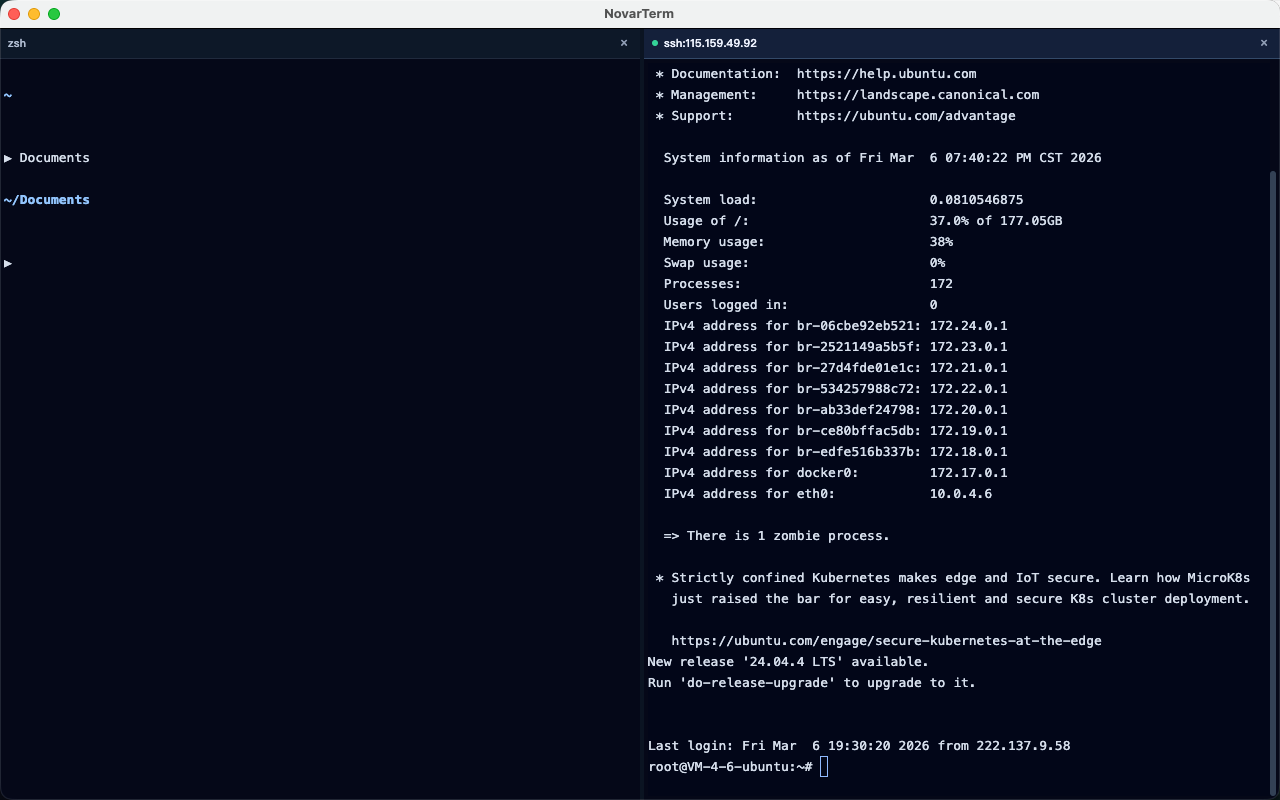
| Workspace | Multi-pane workflow supports horizontal split, vertical split, and close focused pane. | ✅ |
| Workspace | Drag pane headers to rearrange the split layout with top/left/right/bottom drop previews. | ✅ |
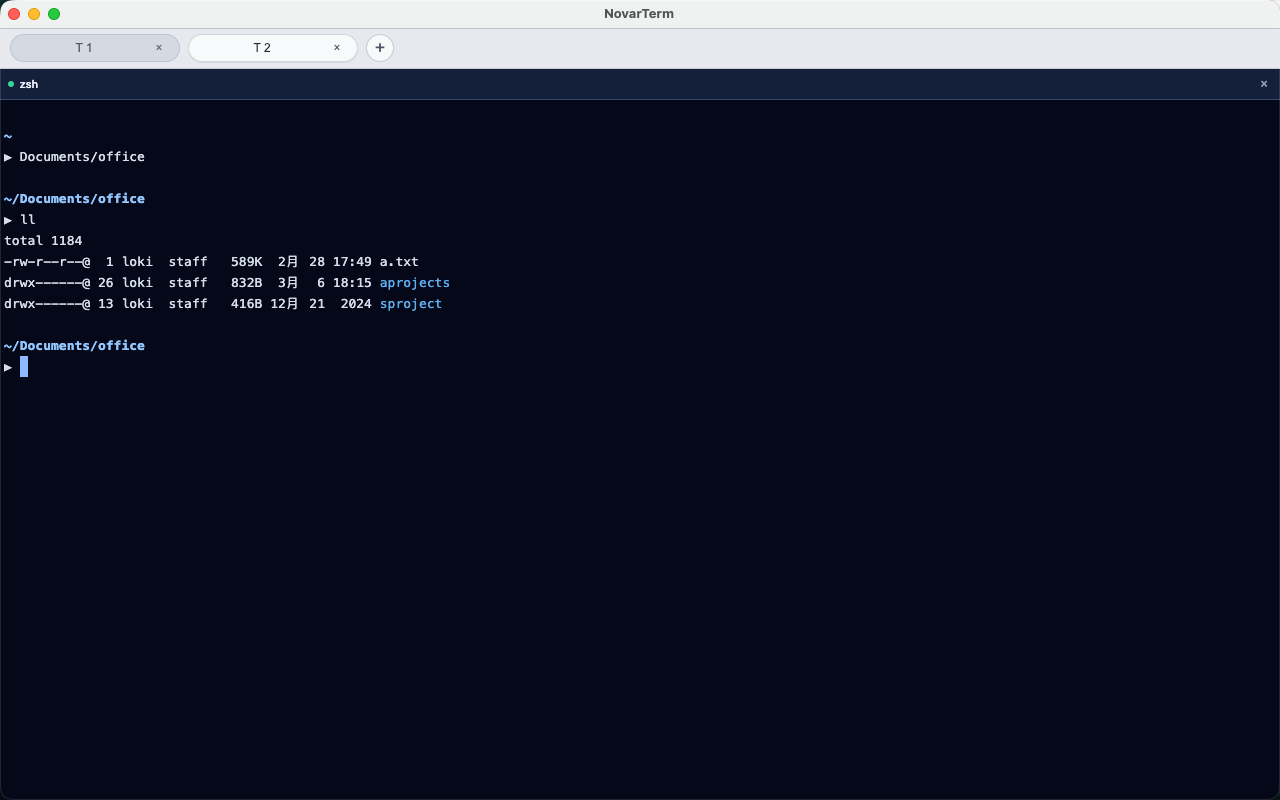
| Workspace | Workspace layout restore after restart is supported for tabs and panes. | ✅ |
| Workspace | New pane actions support inheriting the contextual working directory. | ✅ |
| SSH | Multiple server profiles can be saved in Settings. | ✅ |
| SSH | Terminal right-click can quickly connect in current pane, new pane, or new tab. | ✅ |
| SSH | Connection failures and status changes provide actionable feedback for retry/switch. | ✅ |
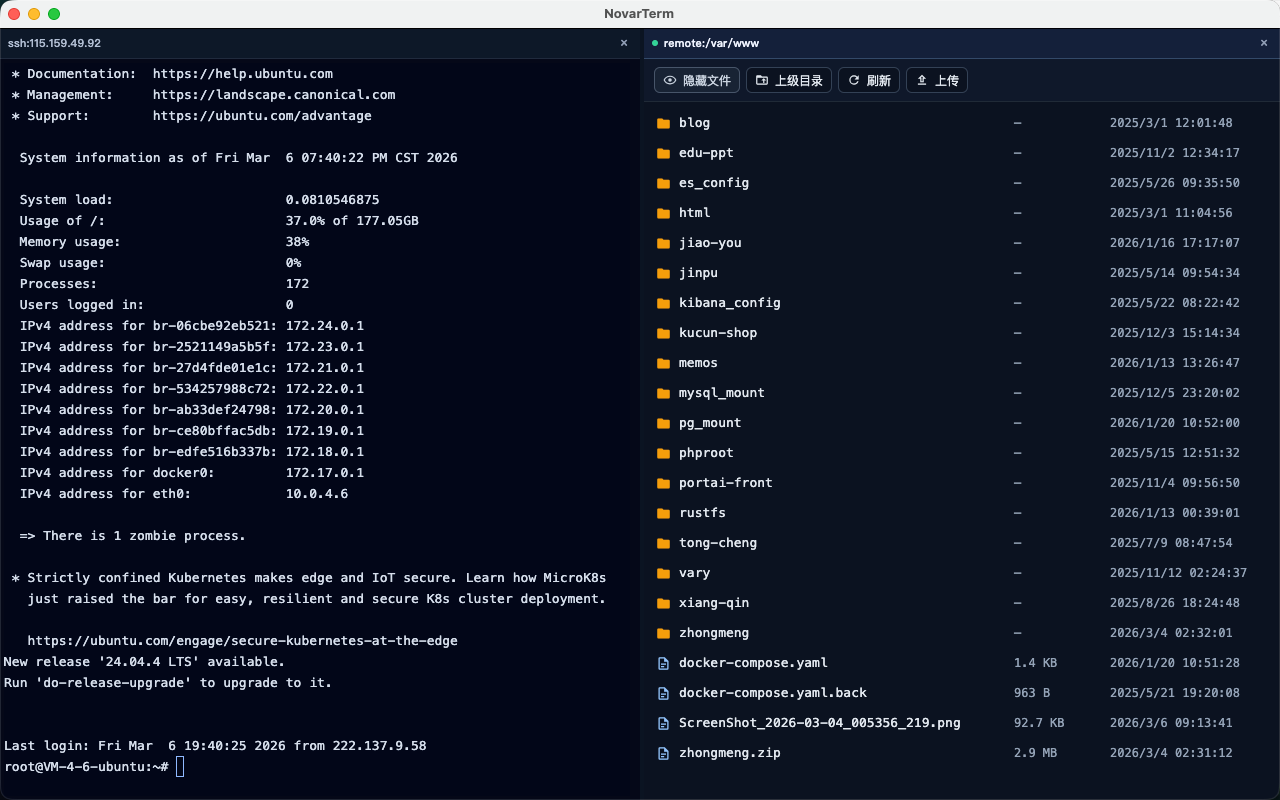
| File Pane | Terminal right-click menu can quickly open local or remote server file browser panel. | ✅ |
| File Pane | Server/source can be switched quickly inside the file browser panel. | ✅ |
| File Pane | Remote server pane supports quick upload for both files and directories. | ✅ |
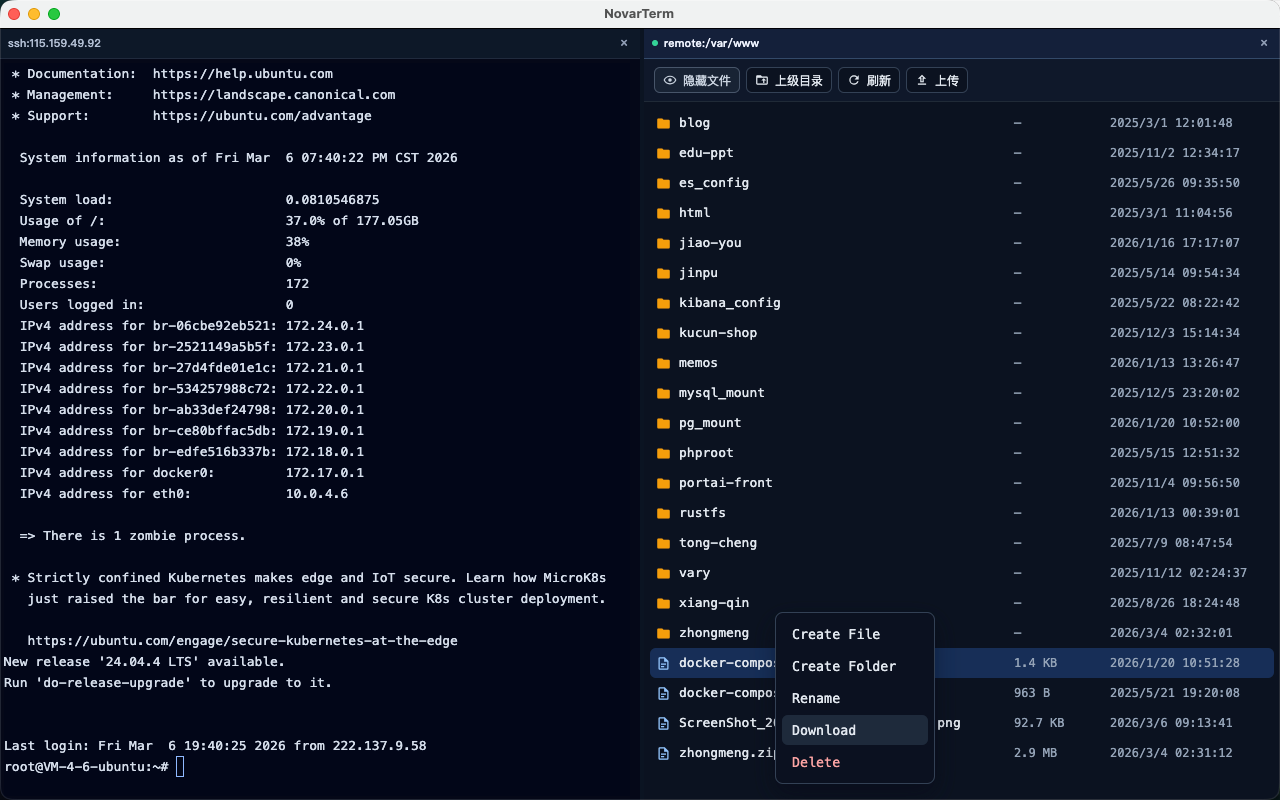
| File Pane | File browser panel supports quick file download from remote server. | ✅ |
| File Pane | File browser panel supports quick create file, create directory, delete file, and extract ZIP archive operations. | ✅ |
| Drag-and-drop | Local terminal supports quick path parsing/insertion for dropped files and directories. | ✅ |
| Drag-and-drop | Remote file pane supports drag-and-drop upload for files and directories. | ✅ |
| Transfer Center | Unified upload/download progress and history tracking is available. | ✅ |
| Transfer Center | Supports quickly opening the local file location for transferred items. | ✅ |
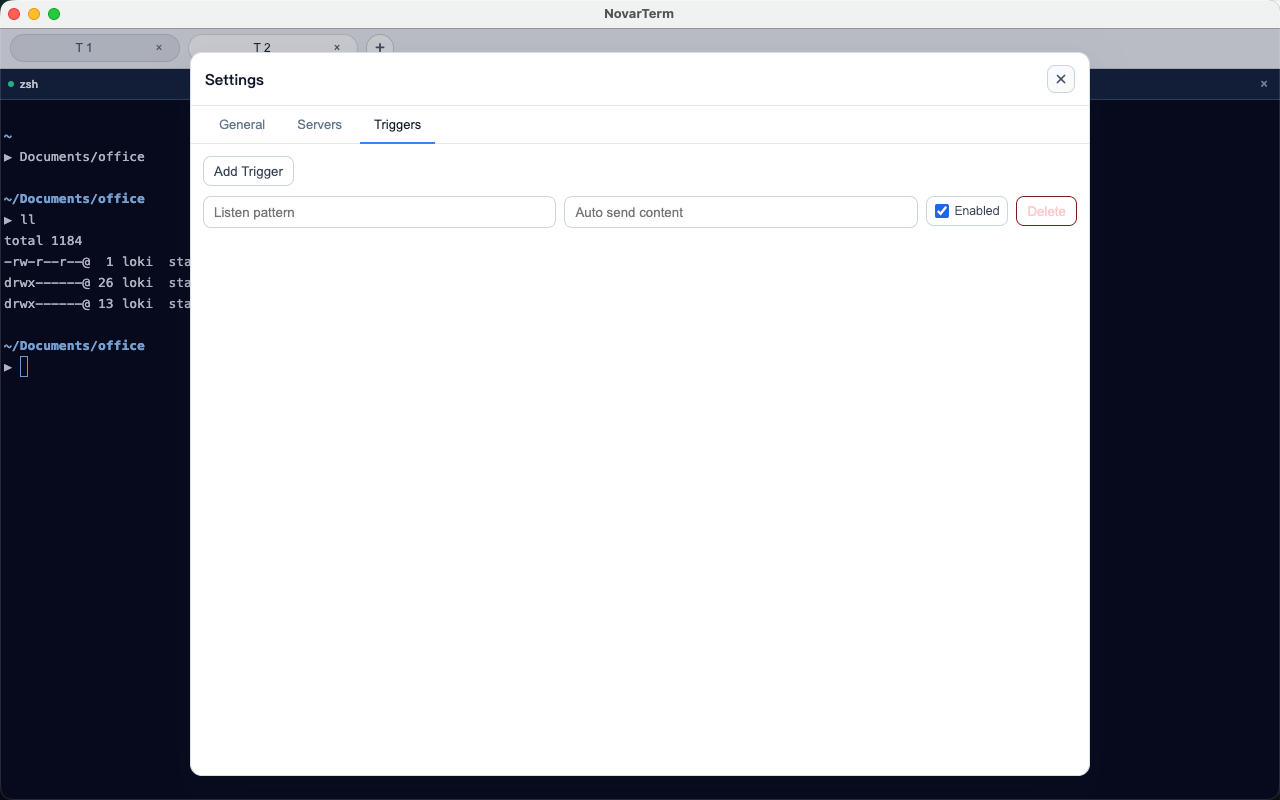
| Trigger | Supports multiple rule sets, with keyword matching that can automatically input and send configured commands. | ✅ |
| Trigger | Advanced matching rules and broader automation scenarios are still evolving. | ⚠️ |
| i18n | Core terminal, file, settings, and AI flows support English and Chinese; coverage continues to expand. | ⚠️ |
| Platform | Native platform polish and deep OS integration are improving across app lifecycle and preferences. | ⚠️ |
| Platform | Full cross-platform validation is still in progress (macOS verified first; Windows/Linux pending). | ⚠️ |
Product Screenshots